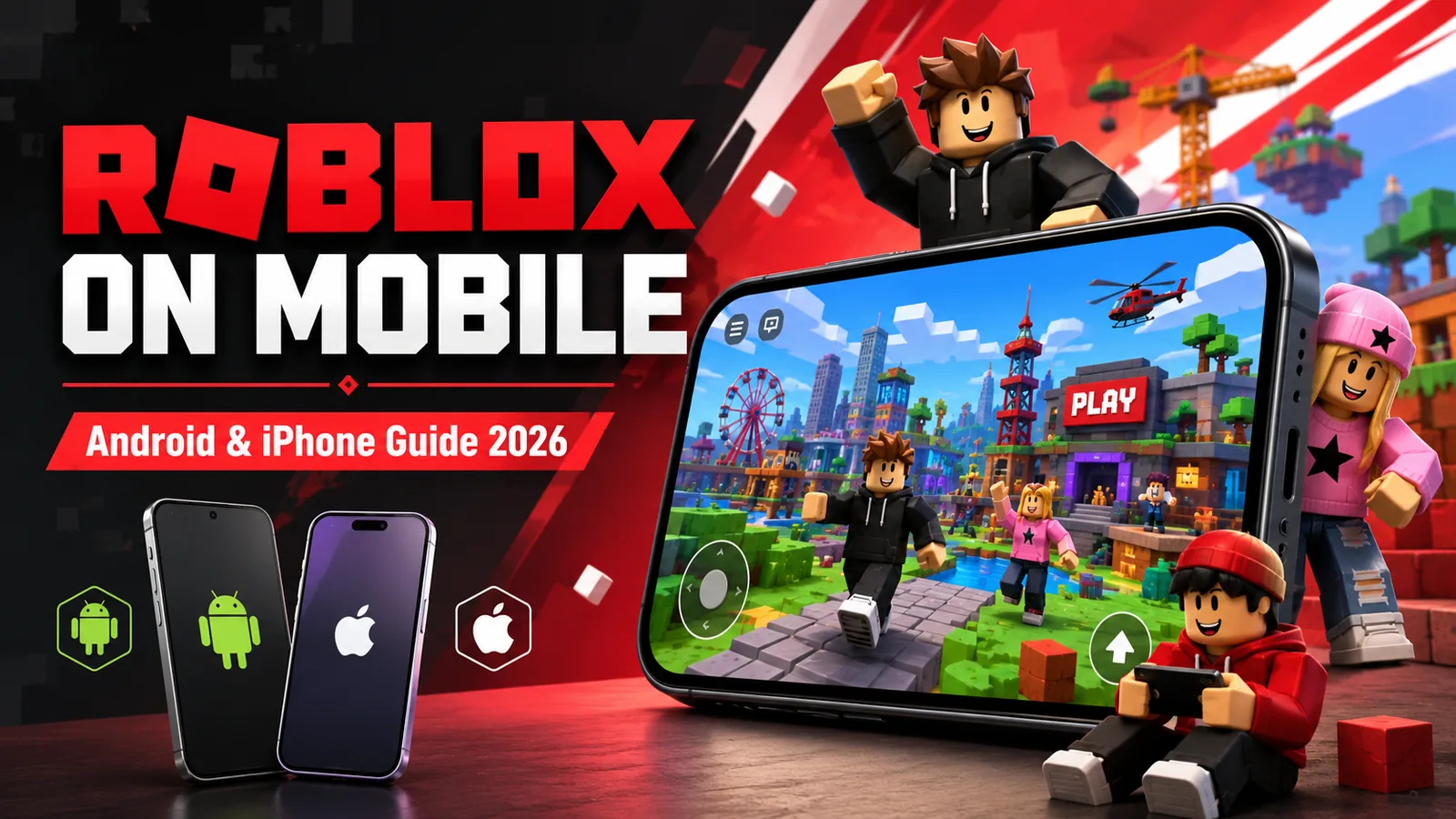
Roblox remains one of the biggest gaming platforms available on smartphones in 2026, giving Android and iPhone users access to a huge collection of community-created games and experiences from a single app.
Whether you enjoy competitive shooters, role-playing games, racing, horror, sports, simulation games, or something casual to play with friends, Roblox offers an enormous variety of experiences for different types of mobile gamers.
If you are thinking about downloading Roblox on your phone, this guide explains how Roblox works on mobile, how to download the official app, mobile device requirements, popular Roblox games to try, performance tips, and some important things to know before you start playing.
What Is Roblox?
Roblox is more than a single game. It is an online gaming platform where developers and players can create experiences that other users can play.
Instead of installing a separate app for every game, you install the Roblox app and browse thousands of different experiences from within the platform.
Roblox includes games covering many popular genres, including:
- Action and adventure
- Role-playing games
- Racing
- Shooting games
- Sports
- Horror
- Simulation
- Tycoon games
- Social experiences
- Casual games
Because many Roblox experiences are created and regularly updated by independent developers, the games that are popular can change quickly.
Can You Play Roblox on Android and iPhone?
Yes. Roblox is available on both Android and Apple mobile devices, including Android smartphones and tablets, iPhone, and iPad.
You can use the same Roblox account across supported devices, allowing your avatar, friends, purchases, and much of your account progress to remain connected to your Roblox account.
Download Roblox for Android and iPhone
Roblox is free to download from the official Google Play Store and Apple App Store.
For security, we recommend downloading Roblox only from the official app stores.
Download Roblox:
```
Download Roblox for Android on Google Play
Download Roblox for iPhone and iPad on the App Store
```
Before installing the app, confirm that the publisher is Roblox Corporation.
Avoid unofficial Roblox APK files, modified applications, Robux generators, or websites claiming to provide unlimited or free Robux. Unofficial downloads can create unnecessary account, security, and privacy risks.
Roblox Mobile Requirements in 2026
Before installing Roblox, make sure your smartphone or tablet supports the current version of the app.
Roblox for iPhone and iPad
Roblox currently supports compatible Apple devices running:
- iOS 14 or later on iPhone
- iPadOS 14 or later on iPad
While an older Apple device may technically support Roblox, newer iPhones and iPads will generally provide better performance in more demanding 3D experiences.
Roblox for Android
Android requirements include:
- Android 8.0 or later
- OpenGL ES 3.0 support
Performance can vary significantly between Android phones because Roblox games range from relatively simple experiences to large and graphically demanding 3D environments.
A newer smartphone with more RAM, a faster processor, and a capable graphics processor will generally provide smoother Roblox gameplay.
Is Roblox Free on Mobile?
Yes. Roblox is free to download and many Roblox experiences can be played without paying.
However, Roblox also includes optional purchases.
The platform uses a virtual currency called Robux. Depending on the experience, Robux may be used for:
- Avatar clothing and accessories
- Game passes
- Character customization
- Special abilities
- In-game items
- Upgrades
- Other digital content
Purchases are optional, although the amount of paid content varies between individual Roblox experiences.
Popular Roblox Games to Try on Mobile in 2026
One of the biggest advantages of Roblox is variety. You can move between completely different types of games without installing a separate app for each experience.
Here are several well-known Roblox experiences mobile players may want to explore.
Brookhaven RP
Brookhaven RP is a social role-playing experience where players can explore a virtual town, use vehicles, choose homes, meet other players, and create their own scenarios.
Its relatively straightforward gameplay makes it accessible for smartphone users.
Adopt Me!
Adopt Me! combines pets, collecting, customization, trading, and social gameplay.
It has remained one of the most recognizable experiences within Roblox and can be a good choice for players interested in casual and social gameplay.
Dress to Impress
Dress to Impress focuses on fashion challenges where players create outfits based on different themes and compete with other players.
The relatively short rounds can make it particularly suitable for quick mobile gaming sessions.
RIVALS
Players looking for more competitive gameplay can try RIVALS, which offers fast-paced shooting and multiplayer action.
Competitive Roblox games can be more challenging when using touchscreen controls, so new players may need some time to become comfortable with aiming and movement.
Steal a Brainrot
Steal a Brainrot is another Roblox experience that has attracted significant attention from players.
Games like this demonstrate one of the unusual aspects of Roblox: new community-created experiences can appear and become popular very quickly.
Is Roblox Good on Mobile?
For many players, Roblox works very well as a mobile gaming platform.
Its biggest advantage is convenience. You can access a large library of games without needing a gaming PC or console.
Roblox mobile can be particularly suitable for:
- Casual games
- Role-playing experiences
- Simulation games
- Tycoon games
- Social experiences
- Short gaming sessions
Games that require extremely precise movement or aiming may still feel easier with a keyboard and mouse or a compatible controller.
Roblox Mobile Tips for Better Gameplay
If Roblox feels slow, laggy, or difficult to play on your phone, a few adjustments may improve your experience.
1. Use a Stable Wi-Fi Connection
Roblox is primarily an online gaming platform, so internet quality can have a major impact on gameplay.
A stable Wi-Fi connection can help reduce lag, slow loading, and unexpected disconnections, particularly when playing multiplayer games.
2. Reduce Roblox Graphics Quality
If Roblox runs slowly or your phone becomes unusually warm, lowering the graphics quality may help improve performance.
Lower graphics settings reduce the workload placed on your smartphone's processor and graphics hardware and can improve frame rates on less powerful devices.
3. Close Apps Running in the Background
Running multiple applications at the same time can consume memory and processing resources.
Closing apps you are not currently using may improve Roblox performance, especially on older Android phones and iPhones.
4. Keep Roblox Updated
Keep the Roblox app updated through Google Play or the Apple App Store.
Updates can include new features, compatibility improvements, security updates, and bug fixes.
5. Keep Your Phone Updated
Keeping Android or iOS updated can also help maintain compatibility with newer versions of mobile apps and games.
Always check whether an operating system update is compatible with your particular smartphone before installing it.
6. Watch Your Battery
Online 3D games can consume a significant amount of battery power.
Long Roblox gaming sessions may also cause some smartphones to become noticeably warmer.
Reducing screen brightness, lowering graphics quality, and taking occasional breaks can help reduce battery consumption and heat.
7. Use Headphones
Headphones can make Roblox experiences more immersive and help you hear music, environmental sounds, and other audio cues more clearly.
This can be particularly useful when playing multiplayer, action, or horror games.
Roblox Mobile Safety and Parental Controls
Roblox contains user-generated content, multiplayer interactions, communication features, in-app purchases, and experiences created by a large global community.
Parents and guardians should review the available Roblox parental controls, privacy options, communication settings, and age-related features before allowing younger players to use the platform.
It is also a good idea to discuss basic online gaming safety with younger players, including:
- Not sharing passwords
- Not sharing personal information with strangers
- Using appropriate privacy settings
- Reporting inappropriate content or behaviour
- Being careful with in-game purchases
- Avoiding unofficial Robux websites and generators
Roblox Mobile vs PC
Both the mobile and PC versions provide access to the Roblox platform, but the gaming experience can be different.
Mobile offers excellent portability and convenience, while playing on a computer generally provides more precise keyboard and mouse controls.
A gaming PC may also provide better graphics performance in demanding Roblox experiences.
For casual Roblox games, role-playing, simulation, and social experiences, playing on a smartphone can be more than sufficient.
For competitive shooters or experiences requiring very precise controls, some players may prefer a computer or compatible controller.
Is Roblox Worth Playing on Mobile in 2026?
Roblox remains one of the most versatile gaming platforms available to smartphone users in 2026.
Rather than offering only one game, Roblox provides access to a constantly changing collection of community-created experiences covering almost every major gaming genre.
The app is free to download, works on both Android and iPhone, and offers enough variety for casual players as well as people who spend considerably more time exploring different Roblox experiences.
If you enjoy playing games on your smartphone, Roblox is certainly worth exploring.
Ready to try it? Download Roblox for Android from Google Play or Roblox for iPhone and iPad from the Apple App Store.
Looking for More Mobile Games?
If you want to discover more games for your smartphone, check out our MobileShox gaming guides:
Note: Game availability, features, pricing, in-app purchases, age ratings, device requirements, and compatibility can change over time. Always check Roblox, Google Play, or the Apple App Store for the latest information before downloading or making purchases.